
Countdown Timer

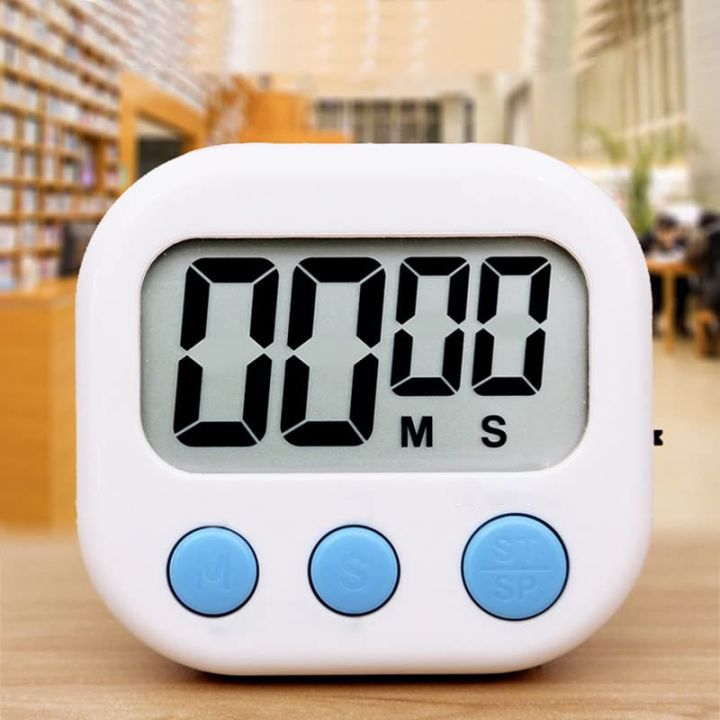
Set a countdown timer and get alerted when time is up.
00:05:00
Overview

What Is a Countdown Timer?

A countdown timer is a tool that shows exactly how much time remains until a specific date — in days, hours, minutes, and seconds — updating in real time. Instead of manually calculating “how many days until,” the timer counts down automatically the moment it’s set. It’s used everywhere from personal countdowns (a wedding or vacation) to business use cases like product launches and limited-time offers.
By Hand

How to Create One

Enter your event title and the target date and time.

Choose a display style — classic digits, flip clock, or circular progress.

Optionally add a background color, image, or a short message.

Click Create — your countdown is live instantly, with its own shareable link.

Worked Examples

Practical Example

Say you’re launching a product on September 1, 2026, 9:00 AM:
The tool generates a live countdown showing days, hours, minutes, and seconds remaining. Embed it on your homepage so every visitor sees the countdown update in real time, or share the link directly on social media to build anticipation before launch day.
Ways to Share or Embed It

Shareable link

copy a unique URL and send it directly via message, email, or social media.

Website embed

copy the embed code and paste it into any page, blog post, or landing page; the timer updates live for every visitor.

QR code

generate a scannable code for posters, invitations, or printed material.

Work

Why Countdown Timers Work

1
Creates urgency
a visible, ticking countdown pushes visitors to act before time runs out, which is why so many sales and launch pages use one.
2
Builds anticipation
for personal events (weddings, trips, holidays), a countdown makes the wait feel more exciting and shareable.
3
Keeps teams aligned
for deadlines or milestones, a countdown gives everyone a clear, shared sense of how much time is left.
Use Cases

Common Use Cases

FAQs

Frequently Asked Questions

Is the countdown timer free to use?
Yes, creating and sharing a countdown timer is completely free, with no sign-up required.
Yes. You’ll get an embed code that works on any platform — WordPress, Shopify, or a plain HTML page — and updates live for every visitor.
Most countdown tools calculate the remaining time based on the visitor’s local timezone, so the countdown stays accurate no matter where someone views it.
The timer typically displays a custom message or simply shows “00:00:00:00” — you can update or remove it once the event has passed.
Yes — every countdown gets a unique link you can share directly through social media, email, or messaging apps.
Related-calculations Explore More

Related Calculators